
CuteWeather: weather widget
The weather, but cute.
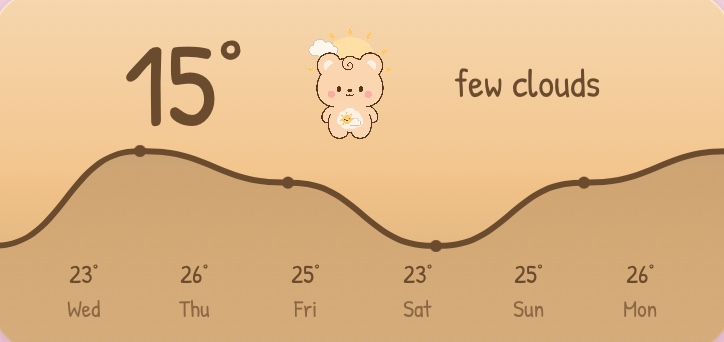
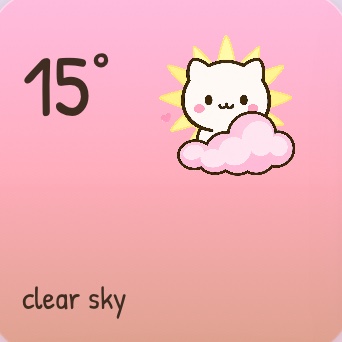
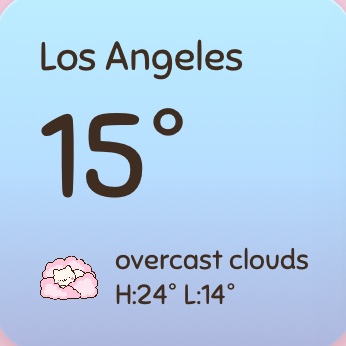
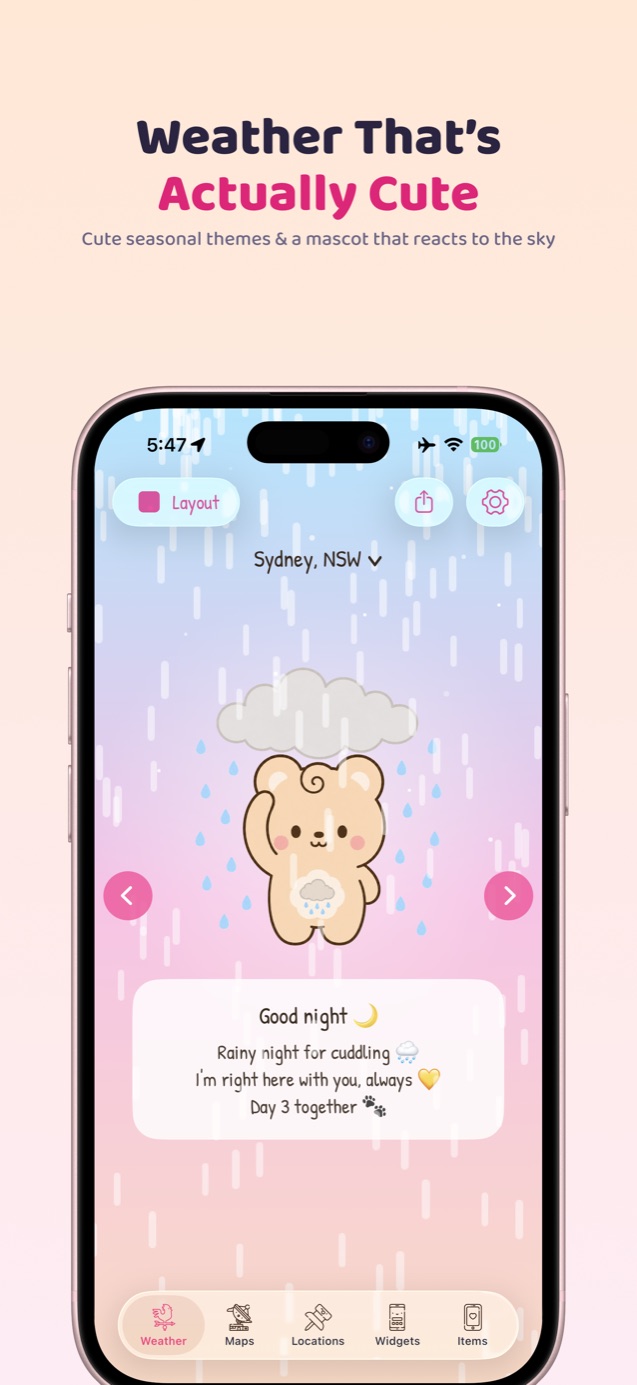
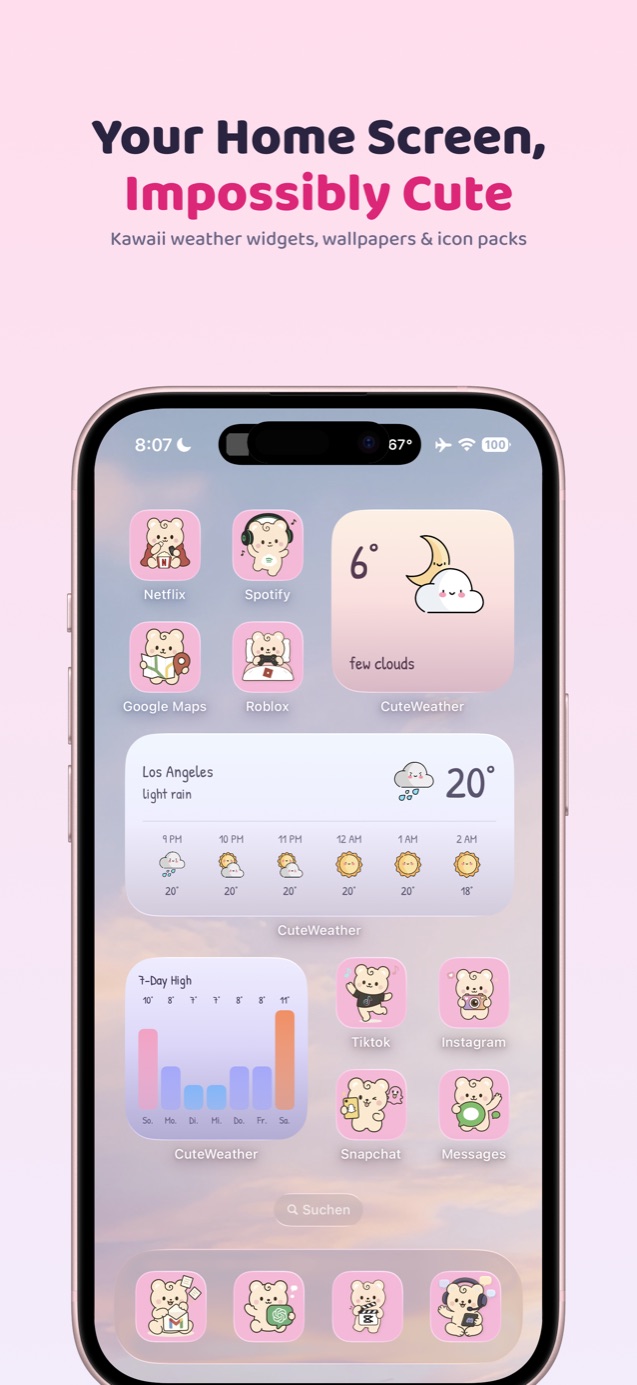
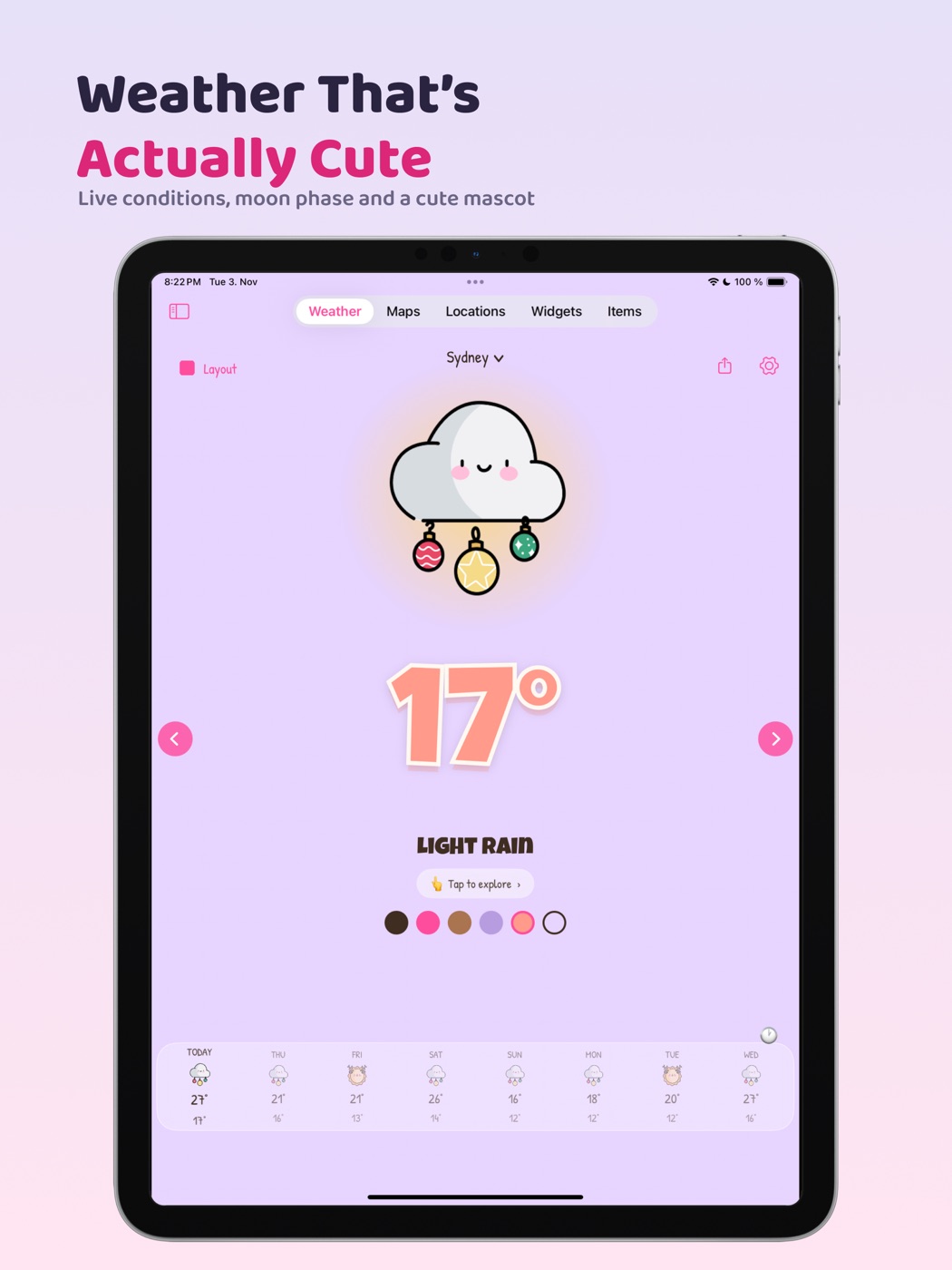
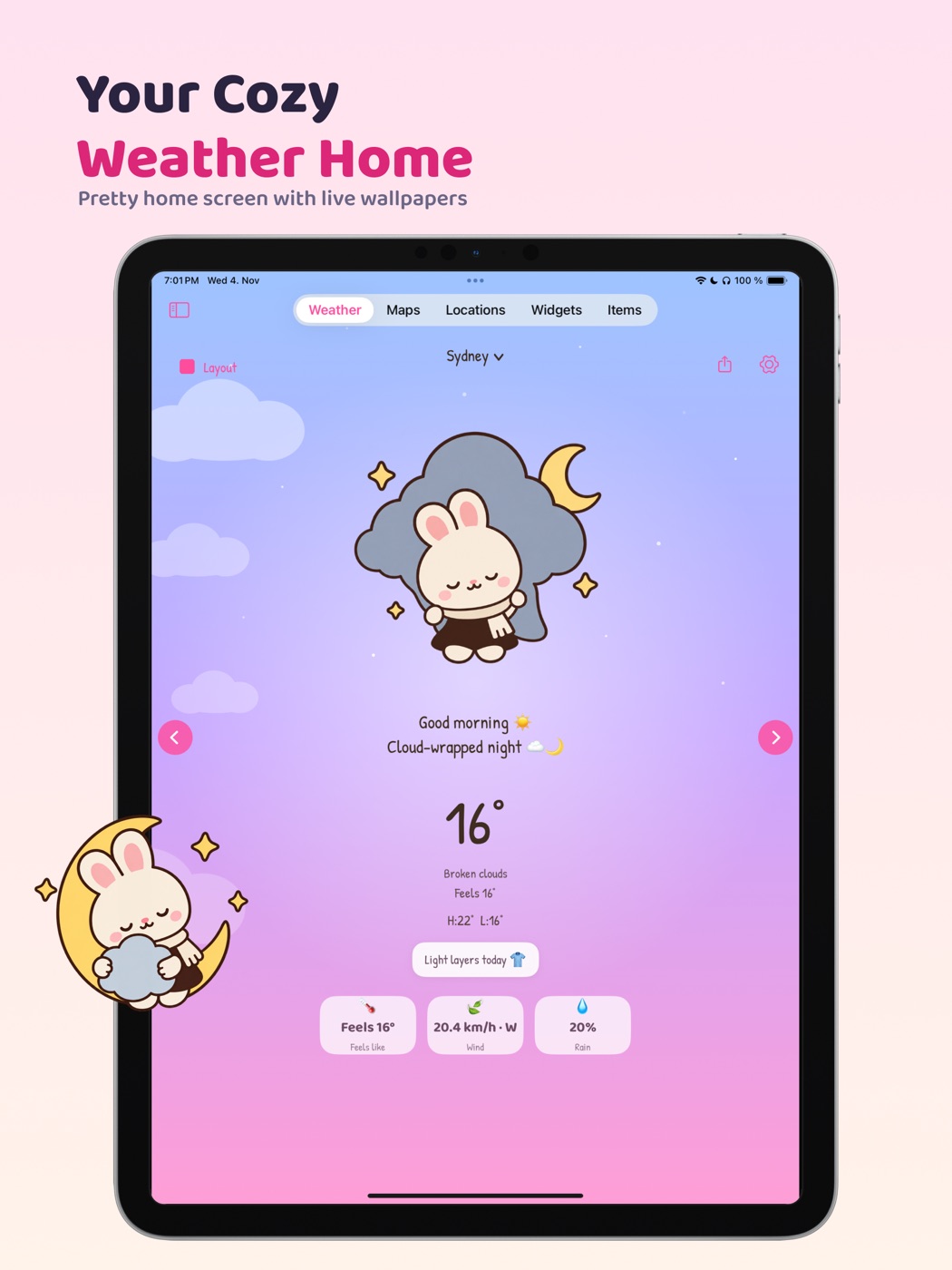
A weather app you actually want to open: kawaii layouts, cute icons and widgets that make your Home Screen yours.



Screenshots
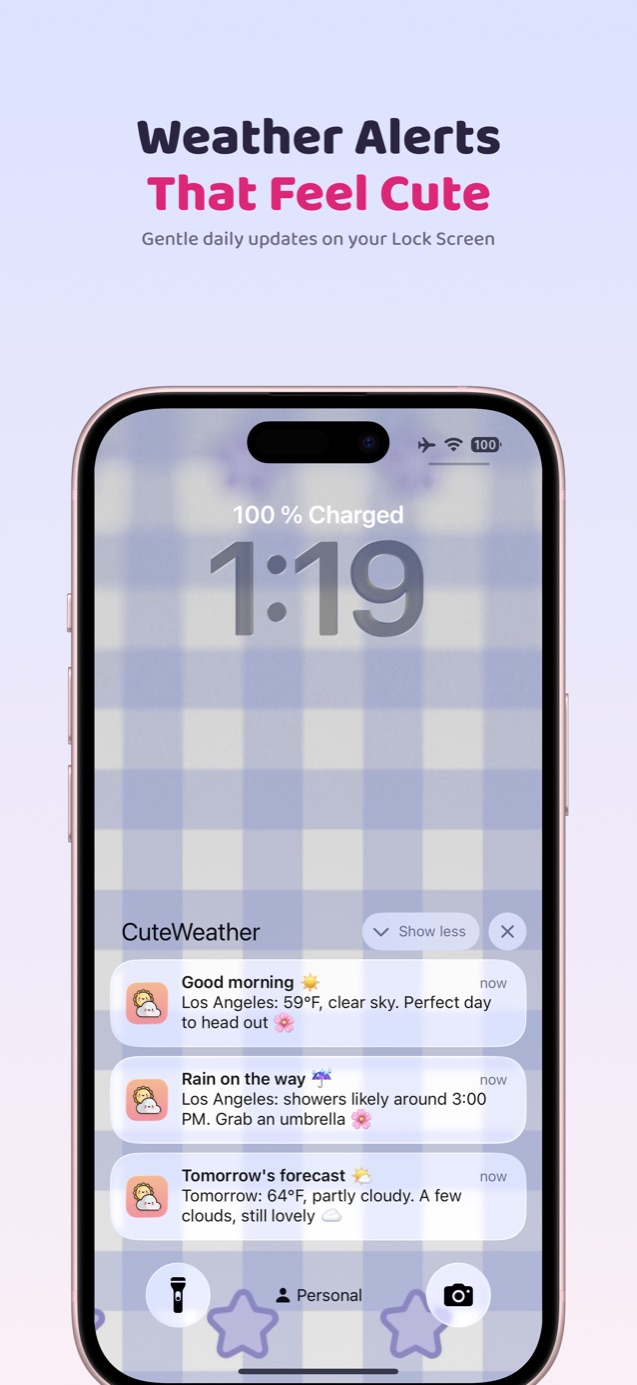
What people say
4.6★ from 17,321 ratings worldwide.
“I couldn’t find a weather app that wasn’t too dark and then my husband found this one. Very bright and sleek, love all the happy characters!”
“I love this app so much. It’s on my teacher iPad and my personal. This is so cute and makes this science teacher happy.”
“I love this app. All of the widgets are adorable, and I love how you get to customize some of the icons. It makes you smile every time!”
“The cutest thing ever just like my other weather app just with a bunch of cuteness added to it. I love it! It also has its own little touches which I love.”
What it does
Your layout, your fonts
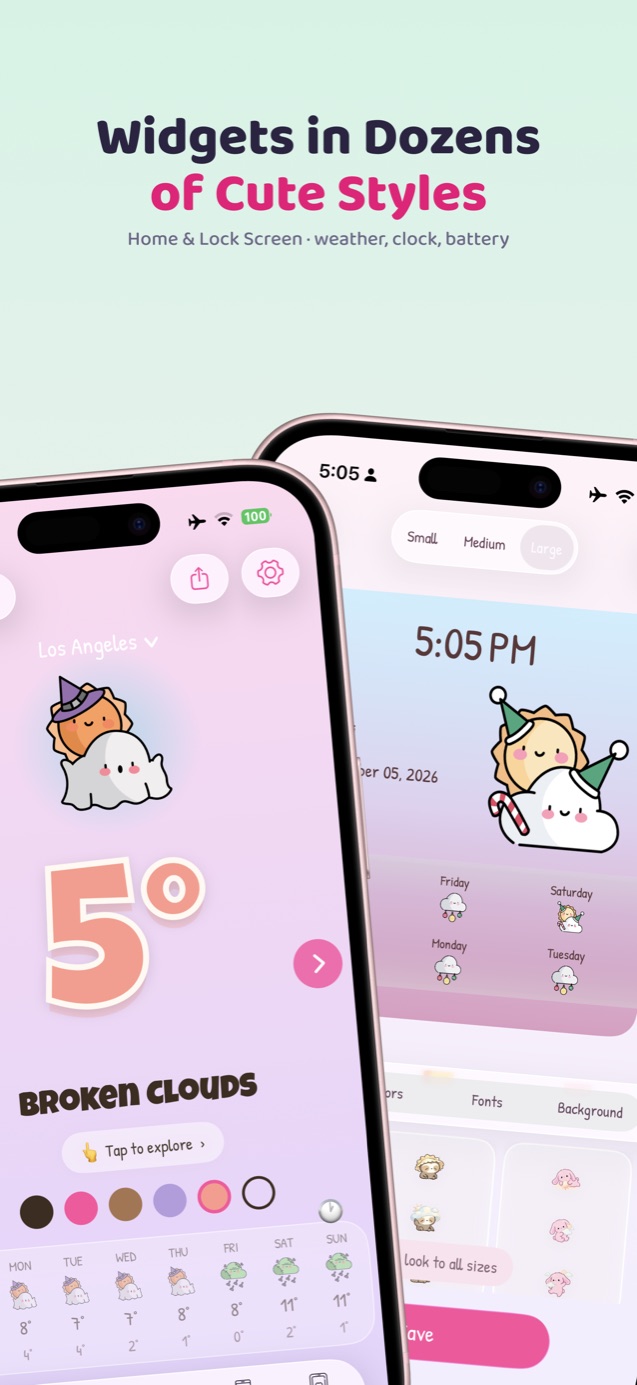
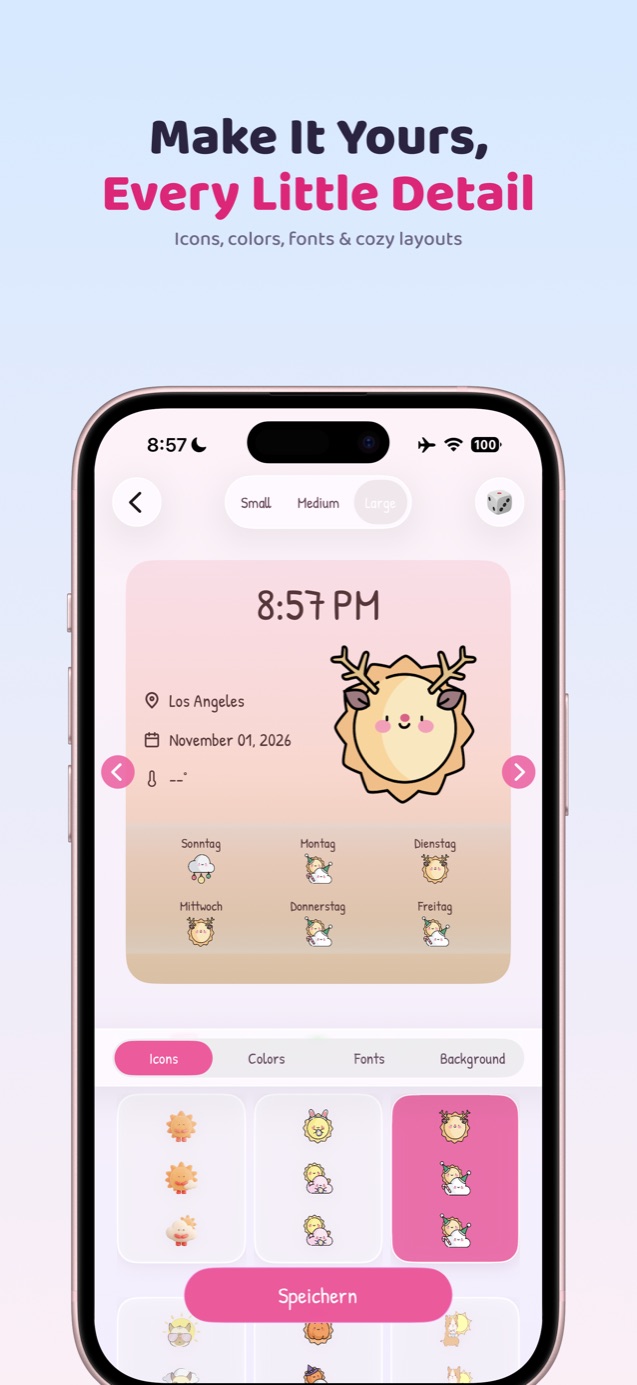
Choose how the weather is shown and change icons, fonts, colours and backgrounds.
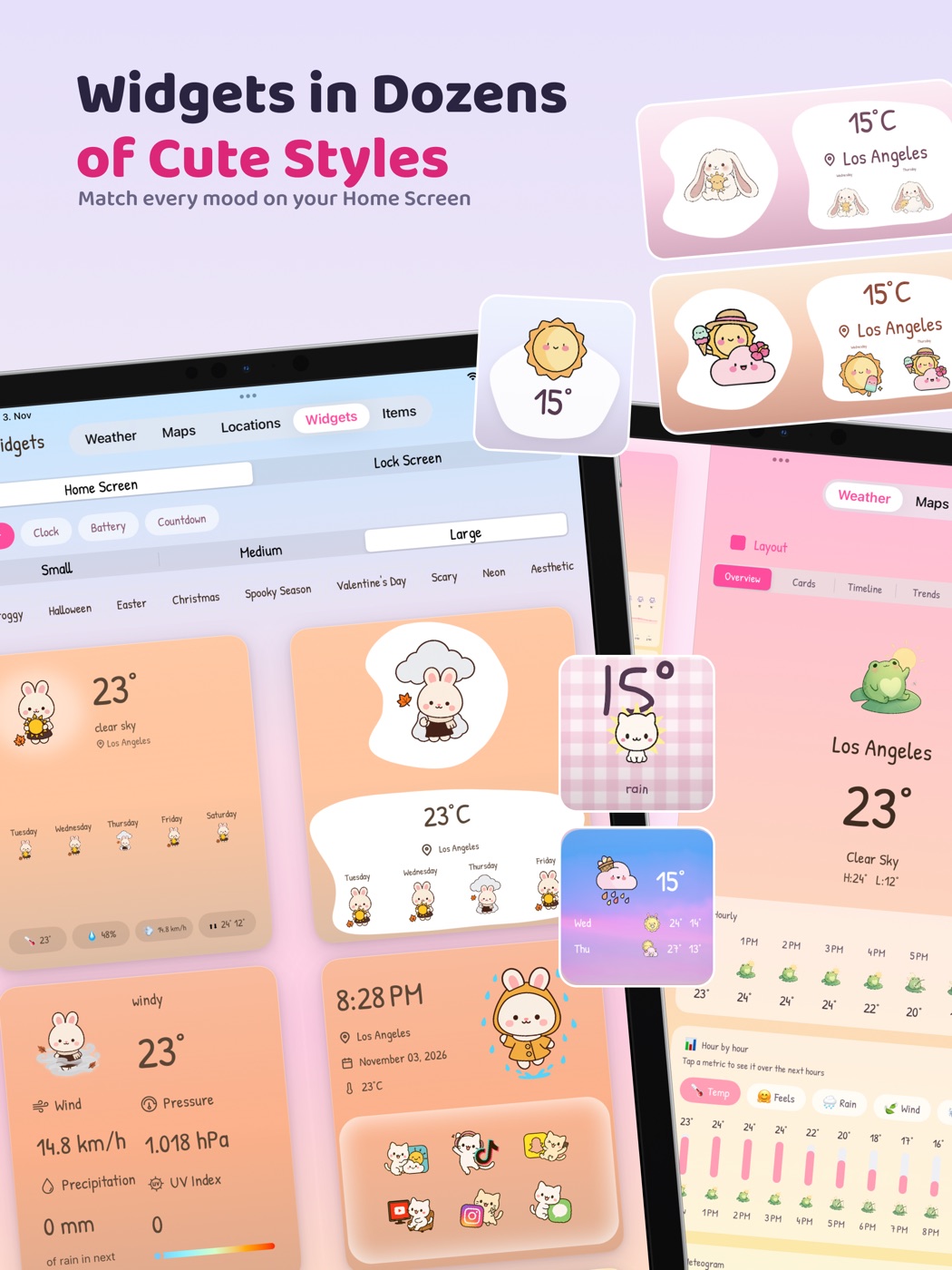
Thousands of widgets
Weather widgets in every size and style, made to match your Home Screen.
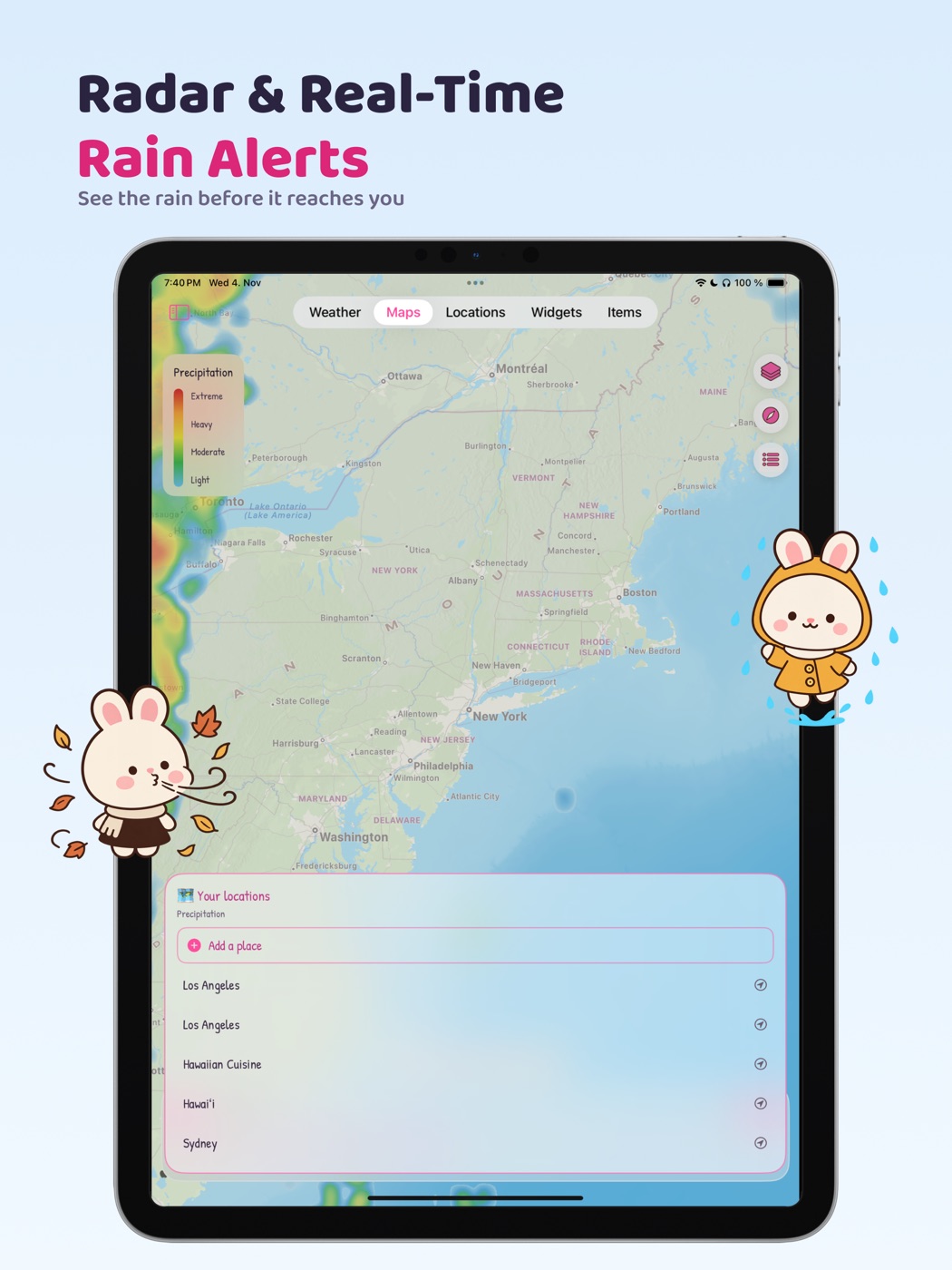
Weather radar
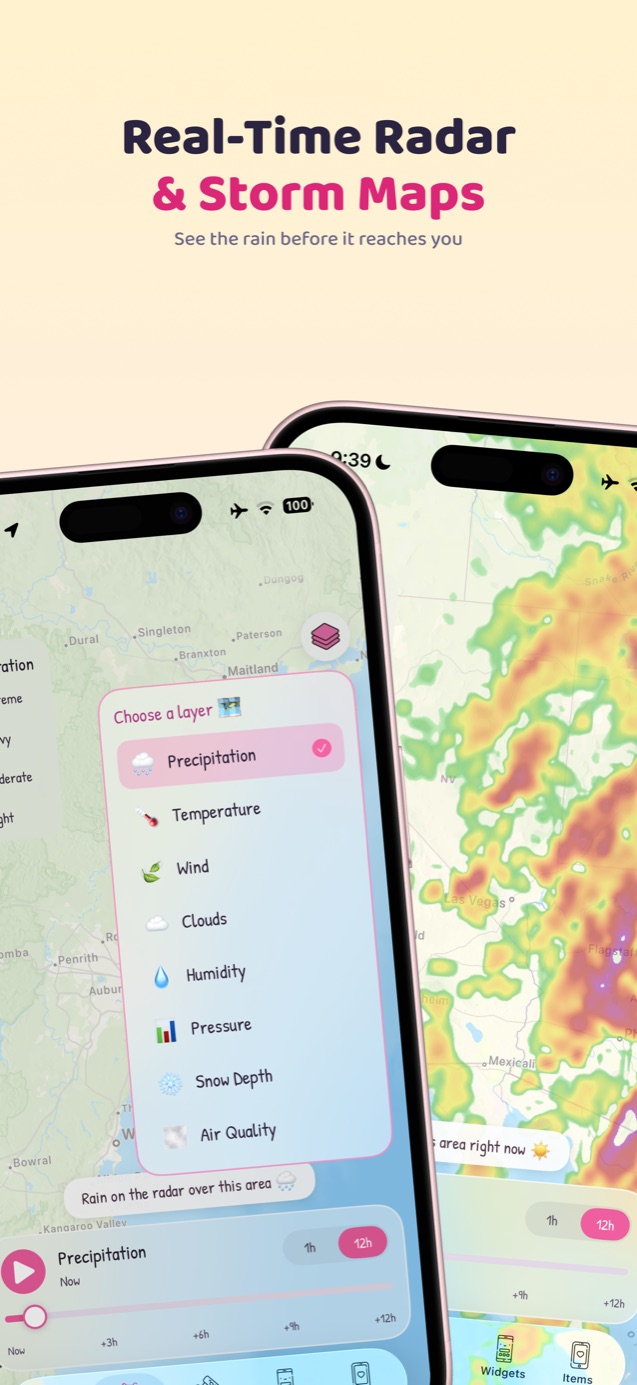
Accurate forecasts and radar for any place in the world.
How it works
Allow location
Or search a city – CuteWeather loads your forecast.
Pick a look
Choose a theme, icons and fonts you love.
Add a widget
Long-press the Home Screen, tap Edit → Add Widget → CuteWeather.
Questions
Is CuteWeather free?
Free to download. Extra layouts and widgets are part of CuteWeather Premium. The price is shown in the app before you buy, and you can cancel a subscription any time in iOS Settings → your name → Subscriptions.
Where does the weather come from?
From OpenWeather, a professional weather service, with forecasts, radar and alerts for any place in the world.
What happens with my location?
Your coordinates are only sent to the weather service to load your forecast. Without location access you can search a city by name. Details in our Privacy Policy.
How do I add a widget?
Long-press your Home Screen, tap Edit → Add Widget, search for CuteWeather and choose a size. Tap the widget to change its style.
How do I cancel Premium?
In iOS Settings → your name → Subscriptions → CuteWeather. You keep Premium until the end of the paid period.
Does it work on Apple Watch?
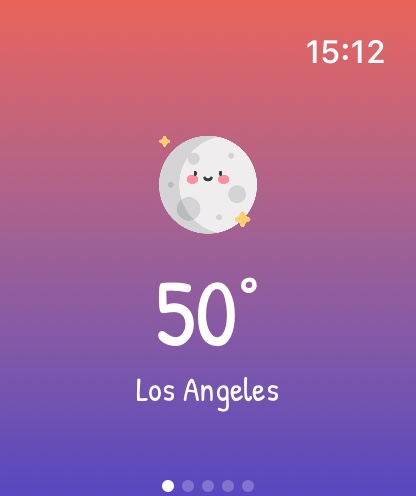
Yes – CuteWeather includes an Apple Watch app and complications.
More